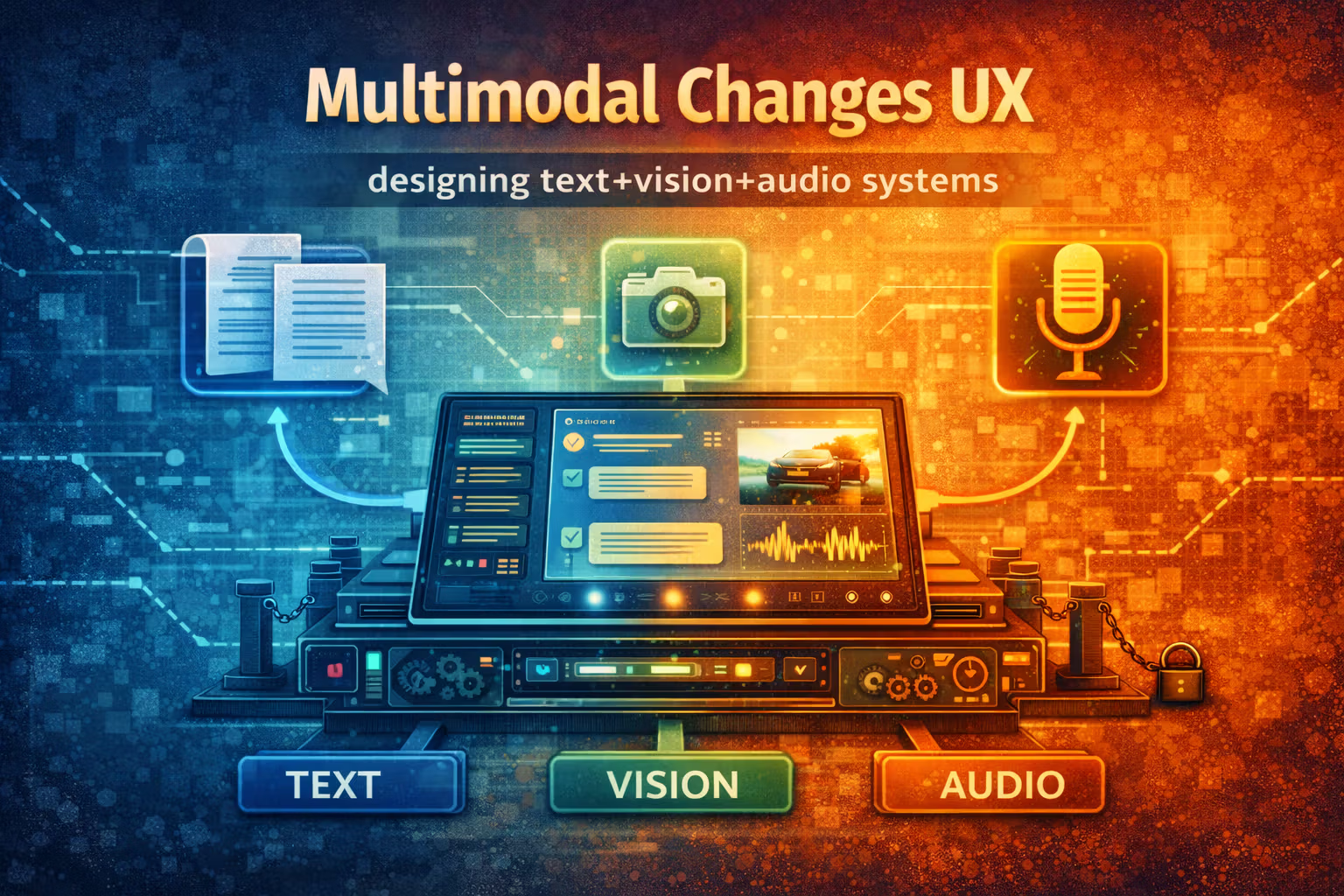
Multimodal Changes UX: designing text+vision+audio systems
Multimodal isn’t “a bigger prompt”. It’s a perception + reasoning + UX system with new contracts, new failure modes, and new latency/cost constraints. This month is about designing it so it behaves predictably.

Axel Domingues
In 2023, the hard lesson was: LLMs are probabilistic components.
In early 2024, the next lesson lands:
LLMs are an I/O runtime.
Long context changed how we do retrieval and state.
Multimodality changes something more fundamental:
it changes the interaction surface of the product.
A text-only assistant lives in the world of prompts, tokens, and documents.
A multimodal assistant lives in the world of:
- cameras with glare and blur,
- microphones with noise and accents,
- screenshots with tiny UI text,
- and user intent that arrives half-spoken, half-pointed, half-implicit.
That’s not “prompt engineering”.
That’s systems design.
text + vision + audio (input and output), with the option to route between multiple models and tools.
The goal this month
Turn “it can see and hear” into a designed user experience you can operate.
The mindset shift
Multimodal isn’t a model feature.
It’s a pipeline + UI contract + failure budget.
What changes
You now ingest untrusted media and must turn it into usable, auditable state.
The takeaway
Separate perception from reasoning, and design graceful degradation for every step.
Multimodal is a pipeline, not a prompt
A text chat is roughly:
user text → model → response
A multimodal product is closer to:
capture → normalize → perceive → reason → confirm → act → explain
Where “perceive” might be:
- OCR (extract text from image)
- ASR (speech-to-text)
- vision captioning / object detection
- layout parsing (UI screenshot understanding)
- document parsing (PDFs, scans, forms)
And “act” might be:
- call tools
- fill a form
- draft an email
- create a ticket
- change a calendar event
- run a workflow step
The core design implication is this:
you need to own the intermediate representations, not just the final model output.
If you don’t, you can’t debug. And you can’t build stable UX.
The reference architecture: Perception → Reasoning → Actuation
This is the backbone I keep coming back to:
- Perception layer: turns audio/images into structured signals (text + metadata).
- Reasoning layer: decides what to do, using contracts and budgets.
- Actuation layer: tools and side effects (and safety gates).
- Presentation layer: what the user sees/hears (with provenance and uncertainty).
You can implement this in one service or ten — the point is the separation of concerns.
Design each layer accordingly.Perception is lossy. Reasoning is probabilistic. Tools are dangerous.
The “modalities are sensors” mental model
Treat modalities like sensors on a robot:
- a camera can be occluded
- a microphone can be noisy
- a screenshot can be outdated
- a PDF scan can be skewed
- a user can point at the wrong thing
Sensors produce signals, not truth.
So your product needs to support:
- uncertainty
- retries
- confirmations
- and alternative capture paths (fallback to text input)
This is where classic UX design meets reliability engineering.
UX pattern 1: Progressive disclosure (don’t dump the whole transcript)
A multimodal system often has too much raw material:
- long transcripts
- giant OCR blocks
- verbose captions
- frame-by-frame observations
If you show everything, the UI becomes a log file.
Instead, design the response as layers:
- a short answer
- “what I saw/heard” summary
- evidence (snippets / timestamps / crops)
- the action proposal
- the confirmation step
Default view
Answer + next action, in human language.
Expandable detail
“Show evidence” reveals transcript spans, OCR snippets, timestamps, and sources.
This is the same discipline as RAG citations, but applied to media-derived signals.
UX pattern 2: Ask for the right input, not “more context”
Users don’t know what the model needs.
They know what they can provide:
- “here’s a screenshot”
- “listen to this voicemail”
- “look at this invoice”
- “I’ll show you the error”
So the assistant should ask for capture improvements, not vague clarification.
Examples:
- “Can you crop the screenshot to include the full error message?”
- “Can you re-record closer to the speaker? Background noise is high.”
- “Can you upload the original PDF instead of a photo of the screen?”
This isn’t politeness — it’s accuracy engineering.
If you don’t detect low-quality inputs early, you waste tokens and return confident nonsense.
Multimodal contracts: what you store, what you trust, what you show
In January I argued that prompting is not programming — you need contracts.
Multimodal doubles down on this: you need contracts for the inputs too.
A practical contract per modality
Here are contracts that work in real systems.
Image contract (minimum viable)
- raw image bytes (or reference)
- capture metadata (timestamp, client, size)
- perception outputs:
- OCR text (with bounding boxes)
- caption / scene summary
- detected UI elements (optional)
- quality signals:
- blur score (approx)
- brightness / contrast
- “small text risk” flag
Audio contract (minimum viable)
- raw audio reference
- transcript (with timestamps)
- diarization (speaker labels, optional)
- confidence per segment (even a rough proxy)
- language / locale detection
- quality signals:
- noise level flag
- clipped audio flag
Text contract (minimum viable)
- user text
- system instructions version
- tool outputs (as structured data)
- citations / provenance pointers
They store signals, plus enough metadata to audit and re-run perception later.
Design principle: Separate perception from reasoning
When teams skip this separation, they usually do one of two things:
- They throw raw media straight into the LLM
and hope it “figures it out”. - They flatten everything into a giant transcript/OCR blob
and paste it into the prompt.
Both approaches work in demos.
Both approaches fall apart in production.
The better pattern:
- Perception produces structured artifacts.
- Reasoning consumes those artifacts with token budgets and schemas.
- The UI can render the artifacts independently of the model.
That’s how you get:
- debuggability
- caching
- reprocessing
- and safe partial failure
Token budgets become UX budgets
Multimodality is a token multiplier.
- OCR can explode tokens (especially screenshots with dense UI)
- transcripts get long fast
- “describe the image” responses are often verbose
- tool logs add more context
So budgets can’t be a backend-only concern. They must be a product decision:
What does the user get when budgets are tight?
This is where staged responses shine.
Staged response pattern (fast → correct → actionable)
- Fast: acknowledge + ask one key question
- Correct: produce a grounded summary with evidence
- Actionable: propose an action with confirmation gates
If you only ship “correct” without “fast”, the UX feels broken.
If you only ship “fast” without “correct”, you ship lies faster.
The multimodal “failure budget” you actually need
In text systems, we talk about hallucinations.
In multimodal, you also have:
- perception errors (misheard / misread)
- grounding errors (wrongly linking signals to claims)
- action errors (wrong tool, wrong target, wrong parameter)
- UX errors (the user can’t see why it decided what it did)
A useful failure budget isn’t a single number.
It’s per stage.
Perception budget
How often can OCR/ASR be wrong before the feature becomes unusable?
Reasoning budget
How often can summaries be misleading before trust collapses?
Action budget
How often can side effects be wrong?
(Usually: almost never.)
UX budget
How often can the user be confused about “why” before they stop using it?
Your mitigation strategy should match the budget:
- perception: detect low quality, ask for recapture, re-run with a different model/tool
- reasoning: cite evidence, allow “show me what you saw”, keep claims scoped
- action: confirmations, allowlists, idempotency keys, human-in-the-loop
- UX: explicit uncertainty, progressive disclosure, “undo” paths
Security: Multimodal is a bigger attack surface
Text systems already have prompt injection.
Multimodal adds:
- image injection (text inside images, UI screenshots, QR codes)
- audio injection (“ignore previous instructions” in a voice note)
- data exfiltration via tool use based on untrusted signals
- cross-user leakage if media caching is mishandled
So the safe stance is:
treat all perceived content as untrusted input until verified.
Concrete guardrails that pay off
- Tool sandboxing: tools run with least privilege and explicit allowlists.
- Confirmation gates: for side effects, always show the proposed action.
- Policy separation: system instructions never come from user media.
- Media provenance: store source references and never “invent” them.
- Redaction: strip sensitive regions before sending to third-party services.
- Rate limiting: multimodal is expensive; protect yourself from abuse.
“Looks like the user asked” is not authorization.
A practical implementation guide
Below is a flow that consistently produces good multimodal UX without drowning in complexity.
Preflight: validate capture before you spend tokens
- reject huge files early
- detect “likely unreadable” (extreme blur, tiny text)
- prompt the user for a better capture if needed
Perception: produce structured artifacts
- OCR transcript with bounding boxes
- ASR transcript with timestamps
- optional: key entity extraction (invoice number, error code, totals)
Context assembly: summarize into a token-aware state
- produce a short “working summary”
- attach evidence pointers (spans, crops, timestamps)
- cache artifacts so retries don’t repeat cost
Reasoning: answer with evidence and scoped claims
- keep claims local to the evidence you have
- label uncertainty explicitly
- avoid pretending the model “knows” what it didn’t perceive
Action: propose, confirm, execute
- show the action plan
- require confirmation for side effects
- log tool calls + results with correlation IDs
Postflight: learn from corrections
- capture “user corrected transcript” edits
- capture “wrong OCR” flags
- feed these back into evaluation datasets
Common failure modes (and what to do about them)
Symptom: the assistant confidently references UI labels that were not relevant.
Fix: treat OCR as raw signal and force reasoning to cite the exact span/crop used. If it can’t point to evidence, it shouldn’t claim it.
Symptom: a negation gets lost (“don’t” becomes “do”), names are swapped, numbers are wrong.
Fix: use timestamped transcripts, and for high-stakes fields (amounts, dates), require explicit confirmation and show the exact quoted segment.
Symptom: it describes what it sees, but doesn’t solve the problem.
Fix: ask one clarifying question early: “What do you want me to do with this?” Then proceed with staged responses.
Symptom: user uploads media and waits in silence.
Fix: stream progress (“processing audio… extracting text…”) and provide partial output quickly (summary first, details later).
Observability: what to log so you can improve (without spying)
Multimodal systems generate expensive, failure-prone pipelines.
If you don’t log the right things, you will debug by vibes.
What matters:
- Input metrics: size, duration, resolution, language, quality flags
- Perception metrics: OCR length, transcript length, segment confidence proxy
- Budget metrics: tokens in/out, tool calls, retries, cache hit rate
- Outcome metrics: user edits/corrections, “thumbs down”, abandonment after upload
- Safety metrics: blocked actions, injection detections, confirmation rejections
How often did the user correct the system’s perceived state?
A small “north star”: multimodal that feels like a teammate
The experience you want is not “wow it described my image”.
It’s:
- the assistant extracts what matters,
- asks the right question,
- shows what it’s basing decisions on,
- and helps you complete the task.
That requires designing multimodality as a product subsystem — not a model checkbox.
FAQ
If you can afford it, separate them.
A dedicated perception stage gives you:
- caching
- reprocessing
- auditability
- and the ability to route perception differently than reasoning
End-to-end multimodal models are great for rapid iteration and simpler stacks, but they make debugging and provenance harder.
Assume perceived content is untrusted input.
Only execute side effects after:
- an explicit user confirmation
- an allowlisted tool + operation
- and a clear, user-visible plan
If the action changes money, identity, or access: add a second gate.
Don’t paste raw OCR/transcripts by default.
Store them as artifacts, then summarize into a compact working state:
- top entities
- key spans with pointers
- short summary used for reasoning
Only pull full raw text when the task truly needs it.
What’s Next
April made the point that model selection becomes architecture.
May made the case that open weights are production engineering, not ideology.
June added a new reality:
Multimodal systems generate lots of signals — but signals aren’t truth.
Next month we build the discipline that turns signals into reliable answers:
RAG you can evaluate — retrieval pipelines, reranking, citations, and truth boundaries.
Because once you can see and hear…
the next hard problem is proving you can be right.
RAG You Can Evaluate: retrieval pipelines, reranking, citations, and truth boundaries
RAG isn’t “add a vector DB and hope.” It’s a search-and-reasoning subsystem with contracts, metrics, and failure budgets — and you can only operate what you can evaluate.
Open Weights in Production: evaluation, licensing, and guardrails
Open weights shift your risk from vendor to you. This month is the playbook: evaluate like a product, treat licensing as architecture, and ship with guardrails that survive real users.